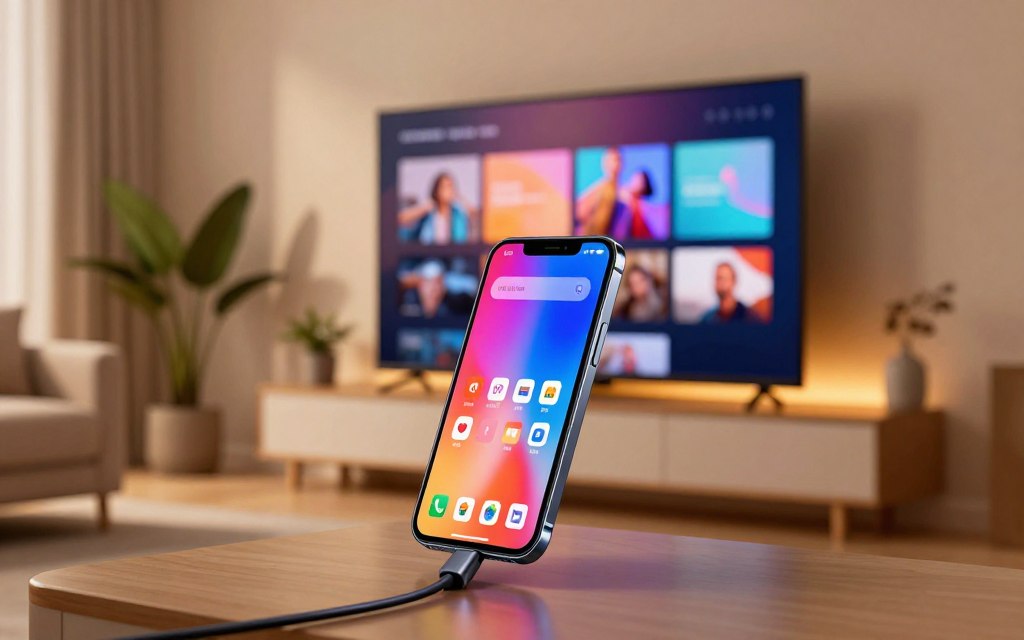

A phone can send its picture and sound to a TV over a compatible wired link. That connection can also supply power while your phone or tablet is connected. The main challenge is compatibility: the phone, cable, and display must work together. MHL is now mostly relevant when you check older equipment, so the connector shape alone does not tell you enough.
Key Takeaways
- MHL sends a compatible phone or tablet’s audio and video to a larger display.
- The connection can provide power and carry control signals.
- Your phone model and display input both need to support the same setup.
- A standard HDMI input may need an MHL-to-HDMI adapter.
- Many newer phones use DisplayPort Alt Mode or wireless casting instead.
Start with how the link carries picture, sound, control signals, and power.
What Is MHL Technology?
MHL turns a compatible mobile device into a wired audio-and-video source for a larger screen. The standard, called mobile high-definition link, carries digital audio and video through a compact wired interface. For compatible phones, it offers a direct way to share content without wireless casting.
MHL carries picture, sound, control, and power through one connection. Its CBUS is a low-speed control channel that lets a display send commands to a connected MHL device. A TV remote can use that channel to control a phone, while VBUS supplies power.
MHL combines audio and video delivery with control signals and power through a compact wired link.
How MHL carries picture, sound, and control
The interface uses five signals or connector pins, compared with 19 in standard HDMI. Its data path supports HDCP, a system that protects digital content. Supported audio formats reach 7.1 surround sound.
The original specifications offer up to 2.25 Gbps in normal mode. That mode supports 1080i or 720p at 60 Hz with 24-bit color. Packed-pixel mode reaches 3 Gbps for 1080p at 60 Hz with 16-bit color.
The MHL Consortium was founded in 2009. A Synopsys technical comparison of MHL and Miracast reports the same bandwidth figures and charging support.
What the MHL versions can deliver
Original MHL supports charging up to 900 mA at 5 V. MHL 3.0, released in 2013, added 4K support and device charging. Your resolution depends on the MHL version and the connected hardware.
So, what is MHL technology used for? It sends a phone’s audio and video to a display, with charging and control features. For the question “what is MHL technology phone users need answered,” the direct answer is a wired way for a compatible phone to output audio and video. That is what MHL in mobile phones means.
The standard’s features matter only when both ends support them. The next practical question is which phones and displays can use it.
Which Phones and Displays Support MHL?
Two matching checks matter: the phone must output MHL, and the display path must accept that signal. Support depends on the exact phone model, not just its operating system or connector. Check the phone specifications and display documentation before you choose a cable.
A micro-USB or USB-C port alone does not prove MHL support. MHL is now mainly a legacy wired standard, often found on older Android devices with micro-USB. Modern phones more often use USB-C DisplayPort Alt Mode or wireless casting.
How to verify phone support
Look up the exact model’s technical specifications or user guide. Android does not guarantee MHL, and iOS does not establish it either. A connector that fits the cable is not proof of video output.
When searching for what is MHL technology on Android, focus on the phone’s stated video-output standard. MHL-supported phones need a matching connection path, and the display must accept MHL. A device described as MHL-compatible should name the model or implementation.
- Check the exact phone model, including its full model number.
- Find the video-output standard listed in its specifications.
- Read the TV or monitor input label and documentation.
- Check the cable or adapter’s stated phone compatibility.
What the TV input label tells you
An ordinary HDMI port does not by itself confirm MHL support. The display needs an MHL-enabled HDMI input, or you need an appropriate adapter for a standard HDMI input. Some displays label a supported input “MHL.”
| Item to check | Evidence that supports compatibility | What not to assume |
|---|---|---|
| Phone | Exact model lists MHL video output | Android or micro-USB means MHL |
| Display input | Input is labeled MHL-enabled | Any HDMI port accepts MHL |
| Cable or adapter | Product names your phone and input | USB-C or micro-USB fit proves support |
Once both ends are verified, choose a direct connection or a conversion adapter.
How Do You Connect a Phone to a TV With MHL?
The right setup depends on whether the TV has an MHL-enabled input or only a standard HDMI input. The cable must match the phone’s MHL support, and the display path must accept the signal. A standard USB cable is not automatically an MHL cable.
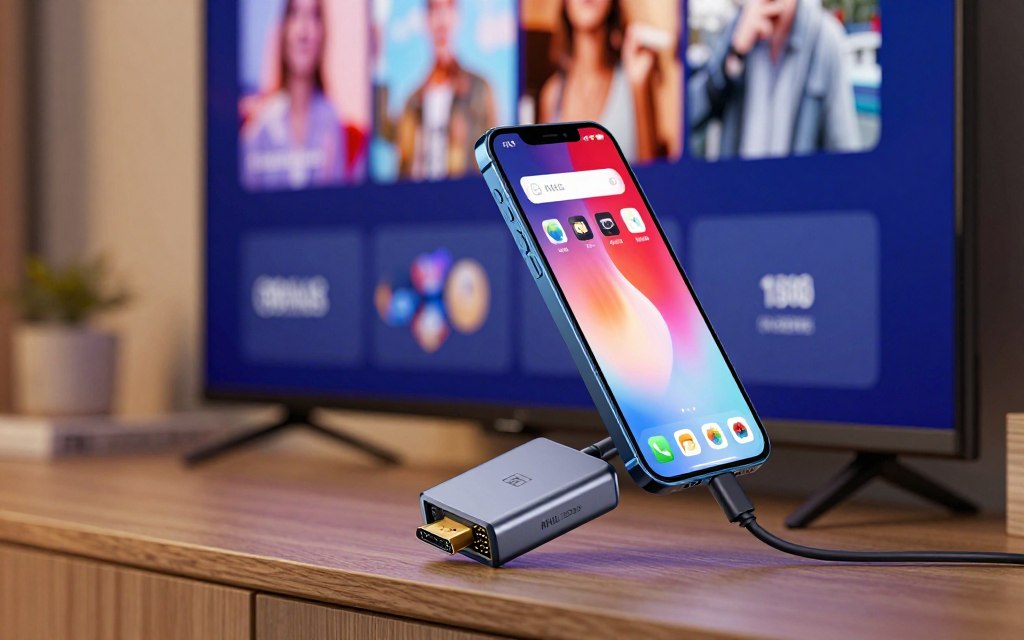
Choose hardware for the phone, MHL implementation, and display input. An MHL-to-HDMI adapter connects a compatible phone to a standard HDMI input. Some adapters also need a separate USB power connection, which can provide charging.
Choosing an MHL cable or adapter
A direct MHL cable works when the phone and display support the matching connection. An MHL-to-HDMI adapter changes the phone’s MHL output to HDMI for a standard input. Check the adapter’s connector and compatibility details before buying.
| Connection option | What the phone and display need | Extra hardware | Power note |
|---|---|---|---|
| Direct MHL connection | MHL phone and MHL-enabled HDMI input | Matching MHL cable | Display may supply power |
| MHL-to-HDMI adapter with standard HDMI | MHL phone and regular HDMI input | Adapter and HDMI cable | Some adapters need USB power |
| USB-C DisplayPort Alt Mode | Phone with DisplayPort Alt Mode and HDMI display | USB-C video adapter or cable | Power depends on the hardware |
Connecting and powering the display setup
How do you put your phone on HDMI mode? Connect compatible hardware, then select its input on the TV. Phones generally do not have a universal MHL mode switch. A direct MHL-enabled TV connection may avoid a separate adapter.
- Check the phone specification for supported video output.
- Identify the TV input you plan to use.
- Choose the matching cable or adapter.
- Connect any USB power required by the adapter.
- Select the matching HDMI input on the TV.
If the screen stays blank, check the selected TV input and the adapter’s power connection. With the connection working, consider whether a wired link suits the activity better than other ways to put a phone on a large screen.
Is MHL Useful for Gaming and Other Screen Sharing?
A wired phone connection can be helpful when you want a large screen without relying on wireless casting. MHL can mirror games, video, photos, and apps from a compatible phone or tablet. The wire avoids dependence on a wireless network, but it does not promise zero lag.
Wired output does not remove every delay or improve the phone’s graphics performance. The phone still runs the game and sets its visual quality. MHL can also use power while connected, which may help during long screen-sharing sessions.
What MHL changes for mobile gaming and work
For what is MHL technology for gaming, the key benefit is a larger display with a direct wired connection. The phone still controls the game, and the display shows its output. You can also share work apps, photos, and videos on a monitor or TV.
A phone, monitor, and Bluetooth keyboard or mouse can form a basic workstation. It suits simple tasks, not every desktop workload. In a vehicle, MHL works only with a compatible infotainment system.
If mobile games lead you to consider a full computer, this gaming PC guide comparing systems by budget and performance covers another option.
Why wireless casting and newer wired options took over
Wireless casting avoids cables and works with many smart TVs and streaming devices. Those products can also run apps on their own, so your phone does not need to stay connected. Network quality can affect wireless playback.
Newer phones more often use USB-C DisplayPort Alt Mode for wired video. That standard is separate from MHL, even when both use USB-C connectors. SuperMHL arrived in early 2015 with support up to 8K at 120 Hz, higher charging power, and USB-C compatibility called MHL Alt Mode.
SuperMHL had limited uptake, so its features do not mean ordinary MHL devices support it. For readers comparing ports, HDMI ARC serves a different purpose from MHL.
How Does MHL Differ From HDMI ARC?
MHL sends a mobile device’s picture and sound to a display, while ARC returns TV audio to an audio system. The signal moves in opposite directions for these two uses. An HDMI port marked ARC is not necessarily an MHL input.
ARC does not add MHL phone compatibility. MHL is a mobile-device connection for sending content to a display. HDMI ARC, or Audio Return Channel, sends audio from a TV back to a compatible soundbar or receiver.
MHL carries phone or tablet audio and video toward a display. ARC carries TV audio back to compatible sound equipment.
For example, a phone sends a video and its sound to an MHL-enabled TV input. With ARC, the TV sends the sound from a show to a connected soundbar.
Both use HDMI-related connections, but they solve different problems. A TV’s ARC label describes audio return, not phone video input. Check your own device specifications before buying an adapter.
Conclusion
MHL remains useful for a specific reason: a compatible wired link can send mobile content to a larger screen. It can also supply power, but only when the phone and connection support that feature.
The decision rule is simple: both the phone and display path must support MHL. Newer phones often use another wired standard or wireless casting instead.
Before buying anything, check the exact phone model’s video-output specifications and read the TV’s input label. That confirms whether you need a direct cable, an adapter, or a different connection.

 By
By


 By
By